
Code Crew Grade 1
An early-reader-friendly intro to coding: short words, big ideas, Code Crew adventures.
Free, start to finish. No card. Every week opens without signing in.
- Grade
- Grade 1
- Length
- 12 weeks
- Pace
- 6 short lessons a week, about 15 minutes each
- Price
- Free, every week
About this course
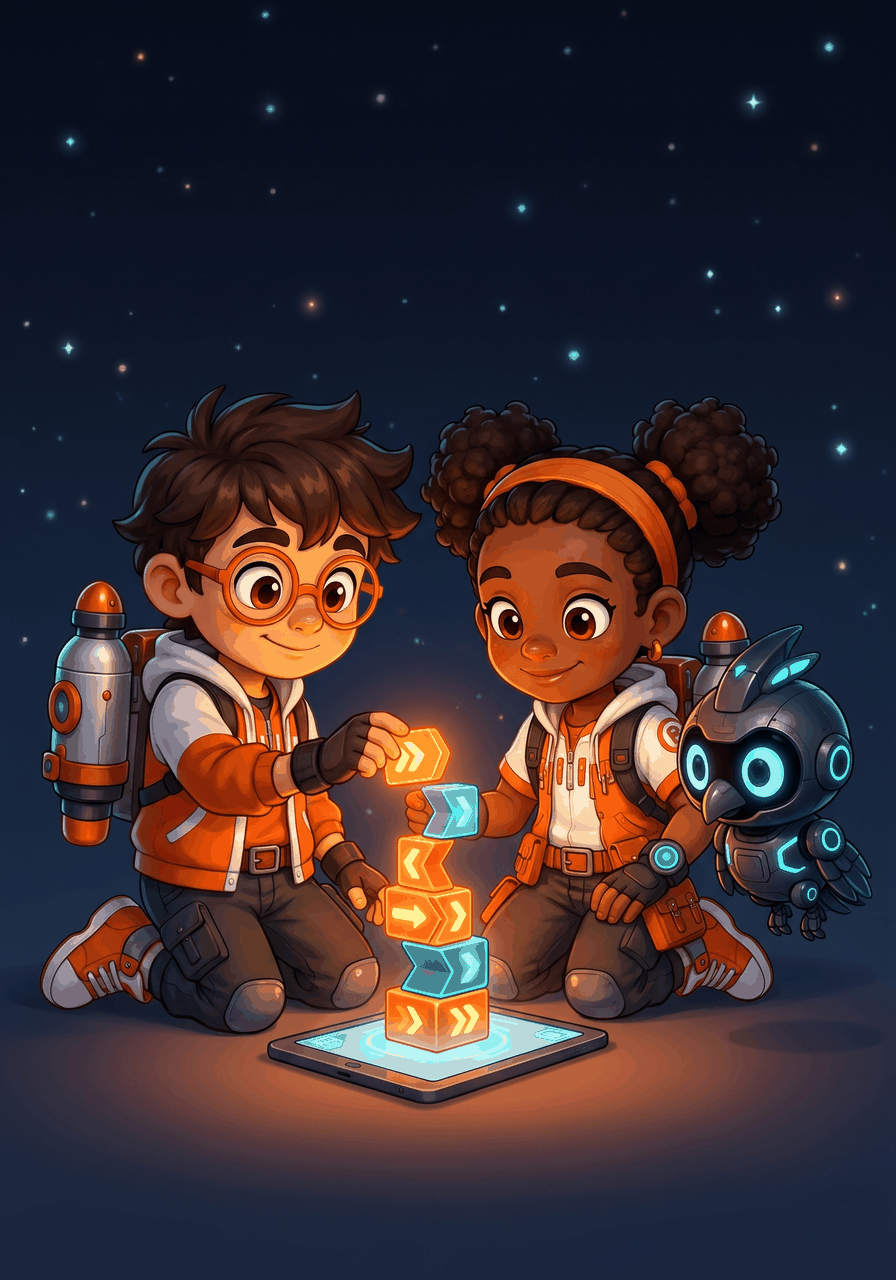
Code Crew Grade 1 is the bridge from the visual-puzzle Kindergarten course into actual coding language. Kids join Rocket and Raven and meet Nova, the crew's AI companion drone, who runs simple typed instructions exactly as written. Kids read every program line and answer by tapping, with zero typing required. The sentences stay short, the vocabulary stays controlled, and the puzzles get bigger. Kids finish the course able to read and build 4-6-line programs with loops and simple conditions.
Kids will
- Read and follow a 4 to 6 line set of typed instructions
- Write a sequence to solve a puzzle
- Use a repeat block (introductory loops)
- Use a simple if-then (introductory conditionals)
- Find and fix bugs in a short program
- Plan a path before running it (introductory algorithmic thinking)
The 12 weeks
-
Week 1
Nova Reads Lines
Nova only does what is written
-
Week 2
Say It Exactly
Exact words, exact order
-
Week 3
Plan, Then Run
Trace the path before Nova flies
-
Week 4
Bug Hunt in the Lines
Find the bug, fix the line
-
Week 5
Repeat 3 Times
One line, many runs
-
Week 6
Patterns Are Repeats
See it, then write it
-
Week 7
If, Then
Check first, then act
-
Week 8
If Not, Then
Two paths, one program
-
Week 9
Read, Predict, Fix
Call the ending, catch the bug
-
Week 10
The Best Path
Fewer lines, same happy ending
-
Week 11
Break the Big Job
Small steps with one big name
-
Week 12
Make a Program
The capstone and graduation week
More in Code Crew
Try Week 1 today.
Open the course, pick Day 1 and go. Make a free parent account when you want progress saved for each kid.