
AI Explorers Grades 3-5
Train a paper AI, test it, find its blind spots, and learn to use AI wisely, with Nova as your guide.
Free, start to finish. No card. Every week opens without signing in.
- Grade
- Grades 3 to 5
- Length
- 12 weeks
- Pace
- 6 short lessons a week, about 15 minutes each
- Price
- Free, every week
About this course
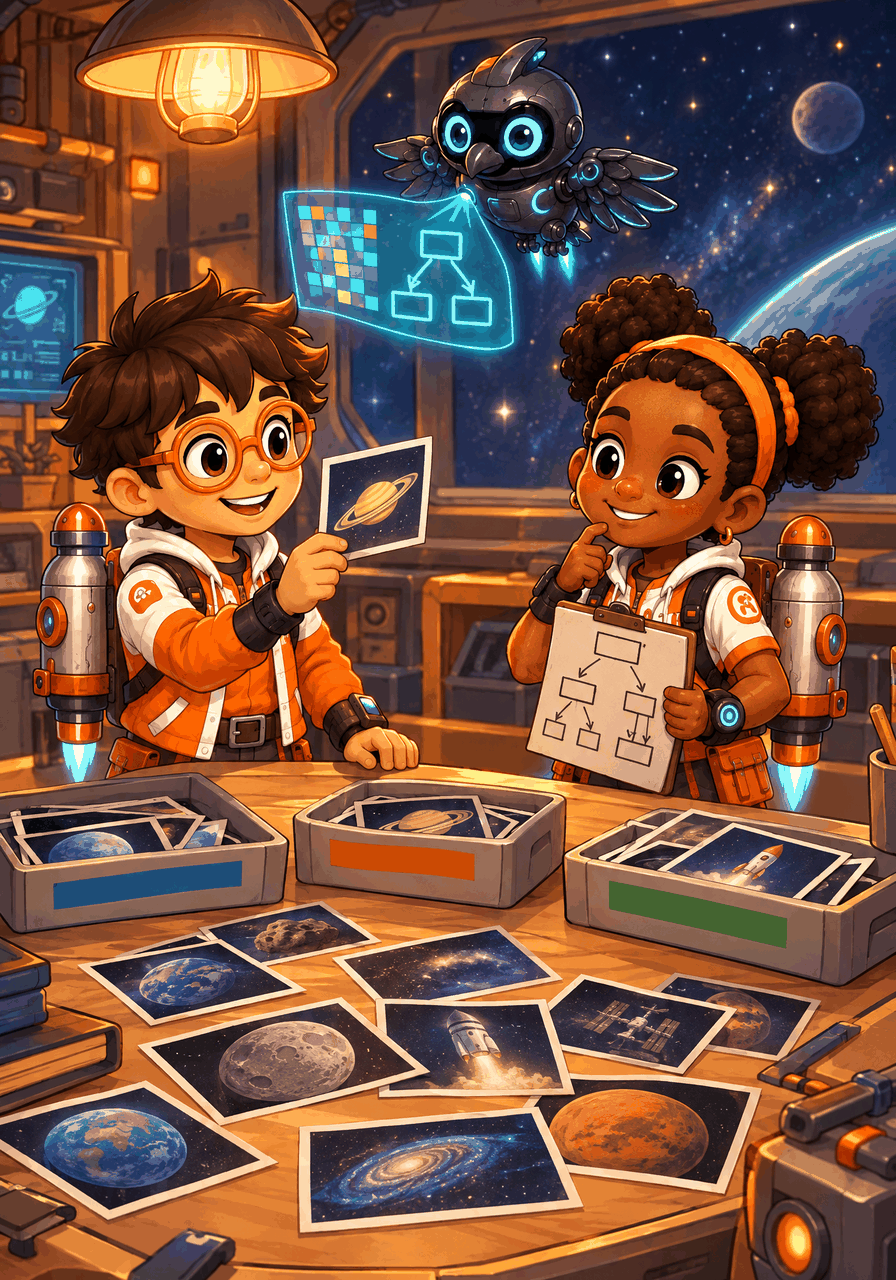
AI Explorers Grades 3-5 is a 12-week AI literacy course guided by Nova, the crew's AI companion drone. Kids build a paper sorting model for the space station's mission photos: they turn pictures into numbers, pick features, train with examples, test for accuracy and fix one-sided data. Then they learn why AI tools can sound sure and still be wrong, how to protect private information, and what makes AI fair and trustworthy. Short daily lessons with checked answers, an unplugged Explorer Lab each week and a Saturday Explorer Quest for the family. No child ever uses a real AI tool in the course. 100% free, start to finish.
Kids will
- Describe AI as a system people build that makes predictions, recommendations or decisions
- Show how a computer stores a picture as numbers
- Compare hand-written rules with learning from examples
- Train and test a model on paper and measure its accuracy
- Spot one-sided training data and fix it
- Check AI answers, protect private information and judge whether an AI is fair
The 12 weeks
-
Week 1
What Is AI?
Guesses, suggestions and choices
-
Week 2
Sensors and Perception
How computers sense the world
-
Week 3
Pictures as Numbers
Pixels and color values
-
Week 4
Features and Models
Clues, questions and trees
-
Week 5
Rules or Learning?
Two ways to build a helper
-
Week 6
Training Data
Learning from labeled examples
-
Week 7
Test the Model
Keep some cards back
-
Week 8
Fair Data
Find the gap, fill the gap
-
Week 9
Talking Machines
Words without feelings
-
Week 10
When AI Is Wrong
Sure is not the same as right
-
Week 11
Private and Safe
Some things stay with you
-
Week 12
Design a Fair Helper
Build trust, celebrate the journey
More in AI Explorers
Try Week 1 today.
Open the course, pick Day 1 and go. Make a free parent account when you want progress saved for each kid.